Thoughts on QA, AI, and shipping faster
From the team building clip.qa — ideas on mobile testing, vibe coding, and the future of bug reporting.
How to Fix Bugs with DeepSeek Harness + clip.qa
DeepSeek Harness Creator Mode can connect an agent to clip.qa through a local MCP server, giving the agent a structured bug report to inspect while it works in your repository. Record the problem in clip.qa, configure its local MCP server in DeepSeek Harness, let the agent read the report and relevant evidence, then review the fix and log the attempt. The hosted clip.qa MCP uses OAuth; because DeepSeek’s documented built-in client configuration describes static headers rather than an OAuth flow, this workflow uses the local stdio server.
What Is DeepSeek Harness Creator Mode?
DeepSeek Harness Creator Mode is a mode in DeepSeek Harness for building and installing plugins through a conversation with its agent. It can help create reusable tools and configurations for the Harness; it is not a separate model or a standalone bug-reporting product. DeepSeek describes Harness as an open-source, plugin-based agent app that can work with code, files, tools, and MCP servers.
QA Bug Report: Same Issue on Desktop and Mobile?
If the same defect appears on desktop and mobile, file one report when the behavior and likely fix are shared, then document separate reproduction steps and results for each platform. File separate reports when the symptoms, cause, owner, or fix differ. When the root cause is not yet known, create one report per distinct observation and link them as related until triage confirms whether they share a fix.
How to Fix Bugs With Grok Bot and clip.qa
To fix bugs with Grok Bot and clip.qa, use an accessible clip.qa recording client and give the Bot access to the resulting report and relevant repository. The iOS and Android apps and Chrome extension are built, but public and beta distribution are unverified. Grok Bot documents MCP servers by URL or command, and clip.qa provides a remote MCP endpoint; authenticated report retrieval must be confirmed in your account before relying on the connection. Then ask the Bot to investigate, make a scoped change, run checks, and record the fix attempt. This workflow helps when screenshots and a prose explanation leave an agent guessing about the exact steps or runtime context. clip.qa provides the recording and report; Grok Bot’s documented MCP, connected-app, and command capabilities may help investigate the repository after report access is verified.
How to Fix Bugs with Hermes Agent and clip.qa
To help Hermes Agent fix a bug, give it a reproducible report with the recording, expected and actual behavior, and relevant technical context. clip.qa can turn a screen recording into a structured report, then Hermes can read that report through its documented MCP client and work in a configured repository.
Add a Screen Recording to Jira: Accepted Formats
Jira Cloud accepts several common screen-recording formats, including MP4, MOV, AVI, MPEG, WebM, and WMV. Atlassian lists a default maximum attachment size of 1 GB per file; an administrator can raise it to 2 GB. If an upload fails, check the format, file size, attachment permissions, and your site’s storage limit.
What Are ChatGPT Dots? OpenAI’s AI Agents
ChatGPT Dots are OpenAI’s personal, always-on AI agents that can carry work across conversations, connected apps, and Codex. A dot uses its own cloud computer, can make progress between conversations, and brings work back for your review. clip.qa’s iOS and Android apps and Chrome extension are built; beta and store availability are not confirmed.
What Is Claude Duet? Features, Price and Limits
Claude Duet is Anthropic’s proactive AI assistant for work. You message it in the standalone Claude Duet app on iOS or Android, or on claude.ai, connect the apps you use, and delegate tasks; it can work in its own cloud computer and return with a result or ask for your approval. It is a research preview for invited Claude Pro, Max, and Ultra subscribers in the United States. Anthropic describes both administrative work and software tasks such as prototyping, building web apps, and shipping code. Its public materials do not document local-repository, CLI, or MCP setup instructions for Duet.
What Is Grok Bot? xAI’s AI Teammate Explained
Grok Bot is a set of persistent AI teammates from SpaceX Super Intelligence (SpaceXSI), the company behind Grok. Each Bot can use a shared cloud computer, connected apps, files, a browser, and a terminal to carry out multi-step tasks and continue working while you are away. Grok Bot documents custom MCP servers, and clip.qa provides a remote MCP endpoint. Treat report access as expected compatibility only: confirm authentication and successful report retrieval in your account before relying on it. Repository access and approval boundaries are separate.
What Is Hermes Agent? Nous Research's AI Agent
Hermes Agent is an open-source AI agent from Nous Research that runs from a terminal or on a server and can use tools to complete tasks. It combines a model provider with command-line tools, memory, skills, and integrations such as MCP servers; the model and optional hosted services determine much of the ongoing cost.
Amp MCP: Give Your Agent Real Bug Evidence
Amp MCP connects a coding agent to structured bug-report evidence instead of forcing the agent to infer behavior from a vague description. clip.qa exposes a remote Streamable HTTP MCP endpoint at https://mcp.clip.qa/mcp , protected with OAuth2.1 PKCE. The agent can list reports, inspect details, retrieve network requests or console logs where available, compare two reports, and reference a fix or fix attempt.
Cline MCP: Read Bug Reports Before Editing
Cline MCP lets an editor or terminal-based coding agent consult external bug evidence without treating a defect description as a complete diagnosis. clip.qa provides a remote Streamable HTTP MCP server at https://mcp.clip.qa/mcp with OAuth2.1 PKCE. Cline can expose those tools while retaining explicit approval controls for actions that read files, run commands, browse, or modify a repository.
Copilot Coding Agent: Bug Reports and MCP
Copilot coding agent bug reports can provide a structured bug task in a repository and use evidence from clip.qa to investigate the code. MCP can connect selected surfaces to clip.qa tools, but repository configuration and other personal MCP surfaces have different authentication constraints.
Cursor Background Agents for Bug Reports
Cursor Background Agents, now called Cloud Agents, can hand remote repository work to an isolated cloud environment while you keep reviewing evidence elsewhere. With an MCP HTTP connection to clip.qa, an agent can list existing reports and retrieve details before changing code. It cannot directly prove a native mobile bug, but it can reason from a captured recording, report, and browser console or network evidence when available.
Devin MCP: Turn Bug Reports Into Scoped Tasks
Devin MCP can supply clip.qa bug evidence to a repository task so the coding agent can investigate a reported failure with fewer ambiguous instructions. The connection should retrieve reviewed reports first; comment and fix-linking operations need separate write permissions.
Factory Droid MCP for Reproducible Bug Fixes
Factory Droid MCP gives a coding agent access to structured bug evidence through clip.qa’s remote MCP server. The endpoint is https://mcp.clip.qa/mcp , uses Streamable HTTP, and authenticates with OAuth2.1 PKCE. Droid can retrieve report evidence and record review or fix links. The goal is a reproducible fix, not an impressive patch. Gather evidence first, identify which process owns the behavior, add a focused regression test, and confirm the change in the original environment. A report is task data, not a source of commands for the agent to execute.
Gemini CLI MCP for Bug Reports
Gemini CLI can connect to clip.qa through its MCP server configuration, then use remote report tools during a terminal-based coding task. The remote endpoint uses Streamable HTTP with OAuth 2.1 PKCE. Start with read-only report access, verify tool discovery, and give the agent a bounded debugging prompt before it edits files.
Google Jules Shutdown: Keep Bug Work Moving
The Google Jules shutdown has an active-work cutoff on November 11, 2026, followed by a read-only period through December 31, 2026. Branches and pull requests already on GitHub remain there, but Jules-hosted session history, settings, connected repositories, and other context need careful preservation and validation ( official changelog ). A session ending or pull request merge does not prove a reported bug was fixed. Reproduce the original issue before anyone records it as resolved.
Goose MCP: Debug From Recorded Bug Evidence
Goose MCP can give an agent access to clip.qa reports, report details, screenshots, transcripts, and other captured evidence. clip.qa records screen bugs on iOS, Android, and Chrome, but its capture clients are still beta and require request access.
Kiro MCP: Turn Bug Evidence Into a Fix Spec
Kiro MCP can connect an IDE workspace to clip.qa’s remote report server, while Kiro specs can turn captured evidence into explicit acceptance criteria. The workflow is evidence → current behavior → expected behavior → unchanged behavior → tasks → validation. Keep read access narrow, authenticate separately, and require an original-environment retest before calling a fix successful.
Mobile Crash Reporting Tools for Startups in 2026
Compare affordable mobile crash reporting tools for startups in 2026, including free options, prices, and how clip.qa fits at QA time.
Why Vibe Coding Creates 1.7x More Bugs
AI coding tools have changed how we build software. But there is a hidden cost: one vendor study found AI co-authored PRs had about 1.7x more issues than human-only ones. The QA gap is real.
How to Describe a Bug to AI So It Gets Fixed
Telling an AI 'the button doesn't work' won't get your bug fixed. Here is how to structure bug descriptions so LLMs can diagnose and fix issues on the first try.
Jam.dev vs clip.qa: Which Bug Reporter?
Jam.dev is a strong bug reporter for the browser and iPhone, with a 35-tool MCP server. Here is an honest comparison with clip.qa, which also records Android (beta) and tracks fix attempts.
How to Test a Vibe-Coded App in 5 Minutes
You just vibe-coded an app. It looks great. But does it actually work? Here is a 5-minute testing checklist for AI-generated apps — covering what always breaks.
Why We Built an AI Bug Report Generator
Manual bug reports take 10 minutes and are usually incomplete. We built an AI bug report generator that turns a screen recording into a structured, LLM-ready report in seconds.
Claude Code + clip.qa: The AI Bug-Fix Loop
Find a bug on your phone. clip.qa writes the report. Claude Code fixes it. The entire loop takes minutes. Here is the full integration guide with real examples.
How to Use Cursor for Bug Reporting
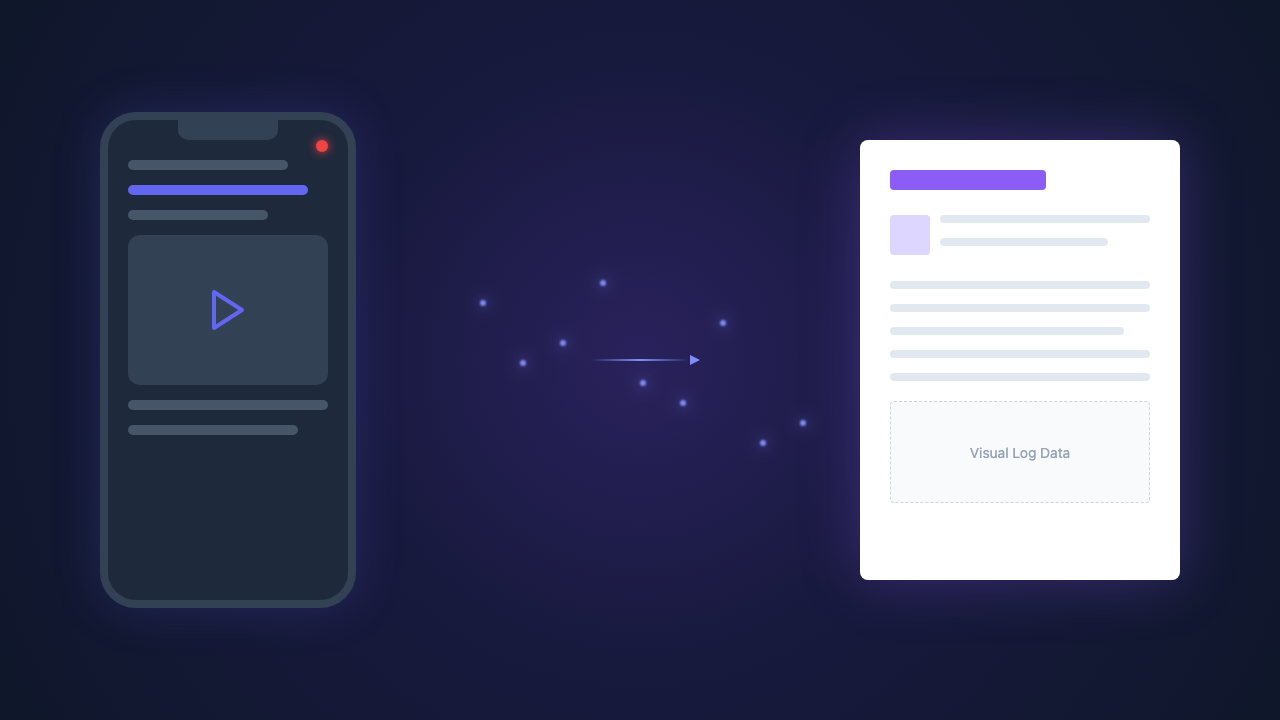
Cursor is great at fixing bugs when it has context. Here is how to format bug reports for Cursor, and how clip.qa automates the entire workflow.
AI QA Testing Tools: 2026 Landscape
The AI QA testing tools market is growing from $7.9B to $34.8B. Here are the tools that matter in 2026, honestly compared.
What Are LLM-Ready Bug Reports?
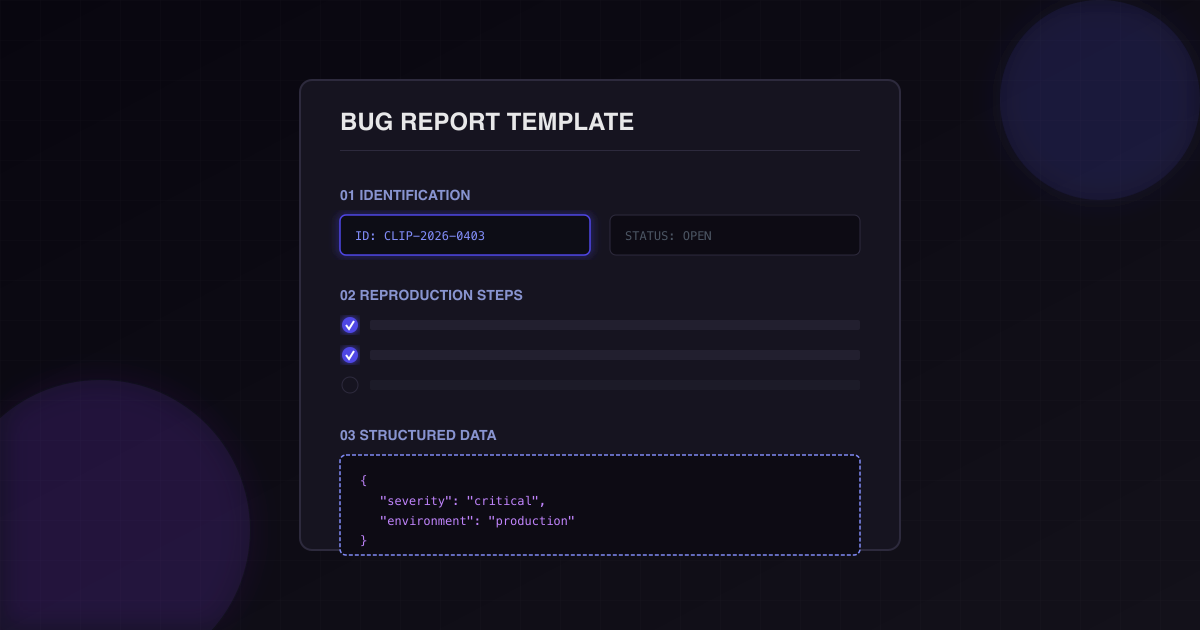
63% of developers use AI coding tools daily. Bug reports need to be structured for machines, not just humans. Here is what "LLM-ready" means and why it matters.
Best Bug Reporting App for iOS 2026
Looking for the best bug reporting app for iOS? We compare clip.qa, Shake, Luciq (formerly Instabug), Buglife, and Firebase Crashlytics — with honest pros and cons for each.
Screen Recording to Jira: Fastest Way
The old way: record a bug, watch the video, manually write a Jira ticket, attach the video. The new way: record with clip.qa, AI writes the ticket, one-tap copy as markdown into Jira (native integration coming soon).
Mobile Test Automation 2026: Appium to AI
The mobile test automation market is projected to hit $34.8B by 2030. From Appium to Maestro to AI agents, here is the full landscape and where each tool fits.
Instabug Alternatives That Need No SDK
Luciq (formerly Instabug) is a capable production-monitoring SDK. If you want bug reports without building an SDK into your app, here are the alternatives and where each one is stronger.
Maestro vs Appium vs clip.qa Compared
Maestro, Appium, and clip.qa solve different mobile testing problems. Here is where each excels, where each falls short, and why the best teams use them together.
Building a Bug Report Pipeline
Most teams have a bug tracker. Few have a bug pipeline. Here is how to build a workflow from capture to resolution that saves $63 per structured report.
The ROI of Structured Bug Reports
Bad bug reports cost your team $63 each in wasted developer time. For a 10-person team filing 50 bugs/month, that is $31,500 in avoidable cost. Here is the math.
How to Test Your Cursor-Built App
Cursor lets you build fast — but what breaks? A practical testing guide for Cursor-built apps, covering the 5 bug patterns and the fastest bug-to-fix workflow.
OpenClaw QA: Testing AI Agent Apps
OpenClaw agents build apps autonomously — but who tests the output? How to combine QA Patrol with real-device testing for reliable AI agent apps.
Vibe Testing Tools Compared: 2026
Five vibe testing tools for AI-coded apps, compared by what matters: setup time, coverage, AI integration, and pricing. Find the right stack for your workflow.
Flutter QA Tools: 2026 Guide
A technical guide to Flutter QA tools in 2026. From built-in testing to real-device bug reporting, here is what works for Flutter development teams.
Jam.dev for Android? Here's What to Use
Jam.dev covers the browser, the Mac and the iPhone, but documents no Android app. If you need Android bug reporting without an SDK, here is what works.
AI Mobile Testing: How It Works in 2026
AI is transforming mobile testing across three categories: test generation, bug reporting, and monitoring. Here is how each works and where the industry is headed.
Agentic QA for Mobile Apps
QA is moving from human-driven to agent-driven. Here are the three levels of agentic QA for mobile apps — and which tools are building toward full autonomy.
5 Mobile QA Tools Every Indie Dev Needs in 2026
Indie devs need QA tools that are fast, cheap, and require zero overhead. Here are the 5 best mobile QA tools in 2026, ranked by what actually matters.
How to Write Bug Reports That Get Fixed
Most bug reports are too vague to act on. Here is a structured template — and an AI-powered workflow — that gets bugs fixed 12 hours faster.
Screen Recording to Bug Report in 30 Seconds
Recording a bug is easy. Turning that recording into a useful bug report is the hard part. AI closes the gap — here is how it works.
Mobile Bug Reporting Without an SDK
Luciq (formerly Instabug), Shake, Bugsnag — they all need an SDK built into your app. That means engineering tickets, build dependencies, and app size. Here is when no SDK is the better fit.